
パスワードを変更する
Widget implementation:
<div id="bpwidgets"></div>
<script type="text/javascript">
bpApp({
apiHost: 'https://bpw.brand.com',
themeSet: 'black-orange',
lang: 'en',
state: 'wowMain.changePassword',
redirectSuccess: 'https://www.brand.com/deposit',
redirectFailure: 'https://www.brand.com/',
}).render( '#bpwidgets');
</script>
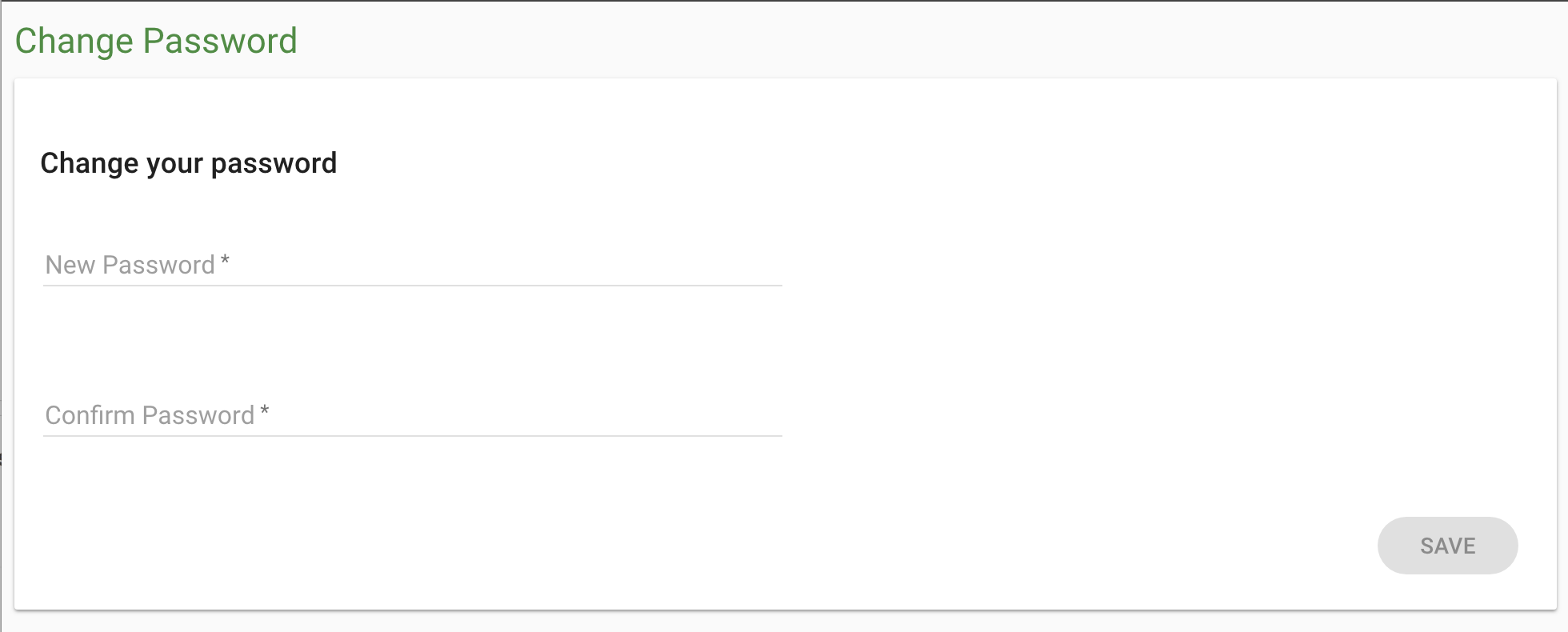
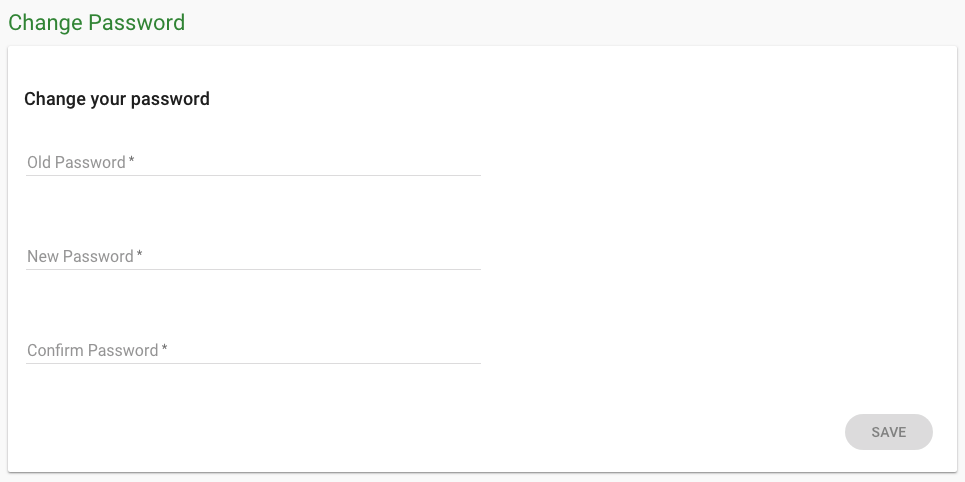
The "Change Password" page is being used for 2 purposes:
1. Compete the "Forgot Password" process, allowing a user to reset his password when forgotten.
In this case the user will see only 2 fields -
- New Password
- Confirm Password
2. Allow the user to change his password while logged in.
In this case the user will see 3 fields -
- Old Password (To make sure the logged-in user is the account owner)
- New Password
- Confirm Password
Reminders:
Available widgets and their states - Click here
Make sure the following code is inserted in your HEAD section:
<script src="https://bpw.brand.com/BPWidgets/embed/widgets-iframe.js"></script>