
新規アフィリエイトの承認方法
Step 1: Broker go to partners.broker.com/admin→login with admin credentials
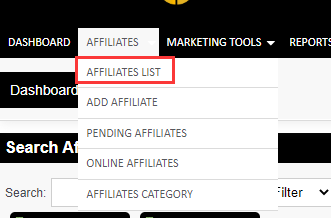
Step 2: Choose Affiliates→Affiliates List report
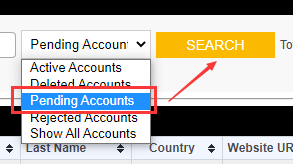
Step 3: In Affiliates list report, choose Pending Accounts, and click on “Search”, shows all pending approving affiliates.
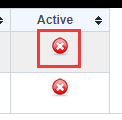
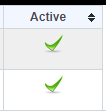
Step 4 In Active column, click on “×” change to “√”, this user has bee activated. Affiliates can login.
 |  |