
Lupa Kata Sandi
The "Forgot Password" process will allow a user to reset his password when forgotten.
This is part of the Login widget and there is no need to create a dedicated page for it if you are using our "Login" widget.
If you use your own login form, create a dedicated "Forgot password" page and redirect the users to it pre-login from your "Forgot Password?" link in the login area.
Widget implementation:
<div id="bpwidgets"></div>
<script type="text/javascript">
bpApp({
apiHost: 'https://bpw.brand.com',
themeSet: 'black-orange',
lang: 'en',
state: 'wowMain.forgotPassword',
redirectSuccess: 'https://www.brand.com/deposit',
redirectFailure: 'https://www.brand.com/',
}).render( '#bpwidgets');
</script>
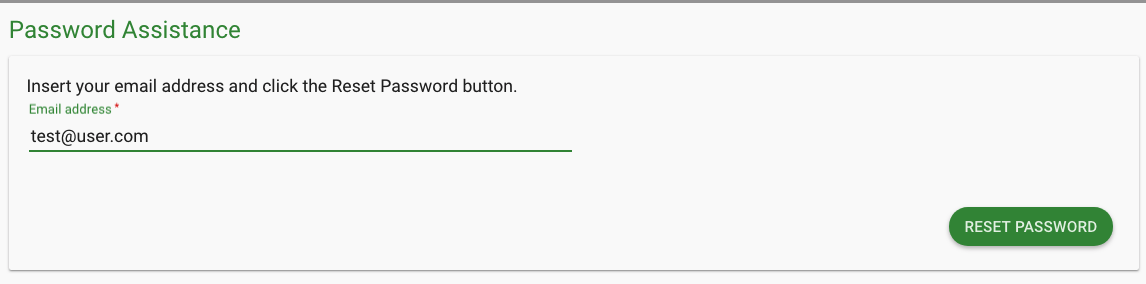
Once submitted - an email will be sent to the client with a link to reset his password.
This link will authenticate the clients account ownership and will redirect him with session to the "" page.
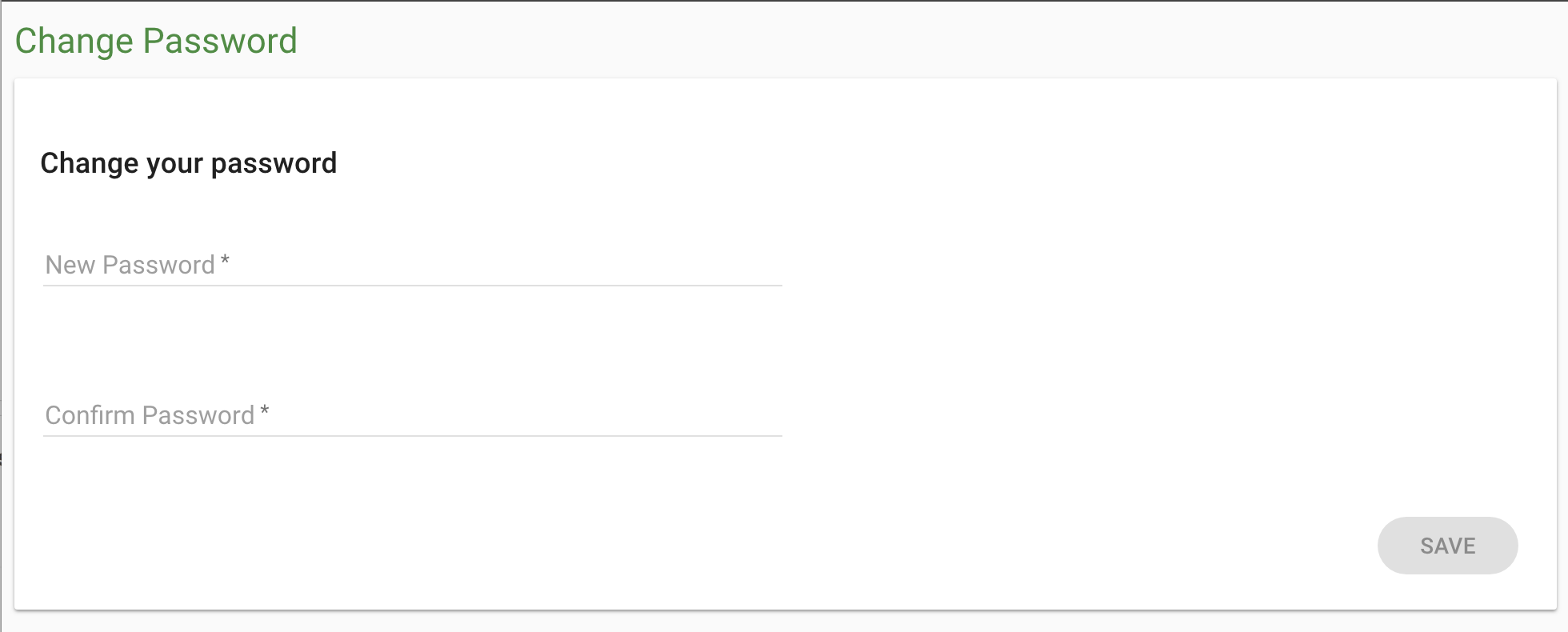
*You must have a dedicated page with "Change Password" widget embedded in it for this process to be completed.
Reminders:
Available widgets and their states - Click here
Make sure the following code is inserted in your HEAD section:
<script src="https://bpw.brand.com/BPWidgets/embed/widgets-iframe.js"></script>