
Cómo crear un nuevo afiliado
Overview:
We have 2 sepreated links for broker and Affiliate to use.
Broker: http://partners.broker.com/admin
Affiliate: http://partners.broker.com/
There’re 2 options to create new affiliates:
Option 1. Affiliate register:
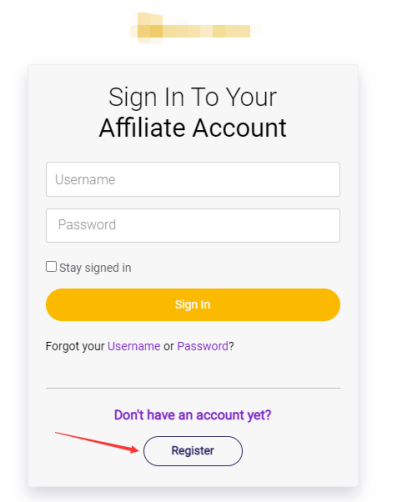
Step1:Affiliate go to http://partners.broker.com →click on “Register” button
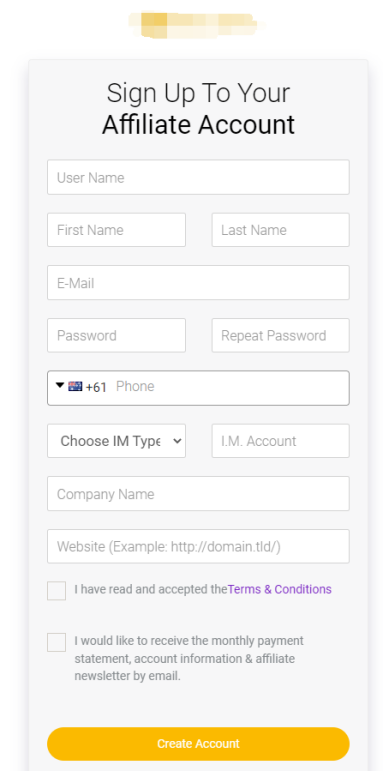
Step2: Fill in registration form(Remember username and password for login) and click on “Create Account” button.
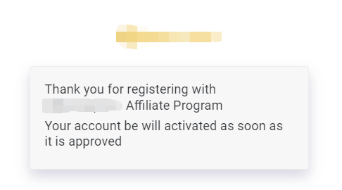
And then waiting broker to approve new register affiliate
Step3: Broker go to partners.broker.com/admin→login with admin credentials
Step4:Choose Affiliates→Affiliates List report
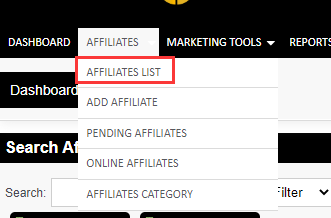
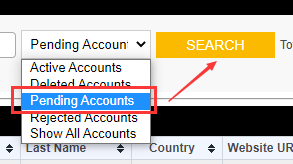
Step5: In Affiliates list report, choose Pending Accounts, and click on “Search”, shows all pending approving affiliates.
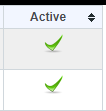
In Active column, click on “×” change to “√”, this user has bee activated. Affiliates can login.
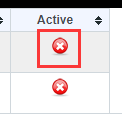 →
→
2. Broker create affiliate in admin
Step1: Broker go to partners.billionsoption.com/admin→login with admin credentials
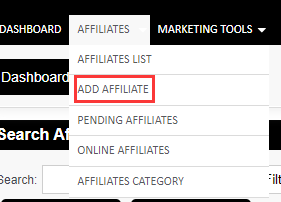
Step2: Choose Affiliates→Add Affiliates
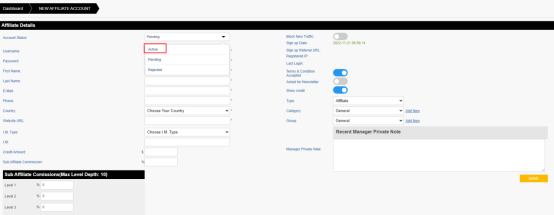
Step3: Help Affiliates to fill in all the information, change status to Active. Click on “Save”
Step4: Send username and password to affiliates to login with link: http://partners.broker.com