
Content Site - Structure and guide lines
Tradesmarter's systems are designed and developed with one goal in mind - to be as flexible and adaptable as possible for the usage of different brokers, and to be easily implemented in any environment developed by the white label operators.
The fastest and easiest way to implement our systems is to use our front end widgets, just place them within your content site and start working.
Already familiar with our systems? go straight to implementation instructions of all mandatory widgets -
We would like to walk you thru the entire process of the website creation, in regards to our system implementation.
1. Header.
- The header of your website should support 2 stages:
Logged Out - this is when the traffic is coming to the website before registration or login. In this mode the users will not have access to some pages (for example, dashboard, deposit etc - anything that is related to a specific user.)
In this stage the user will see 2 button in the header -
- "Login" - Login button should initiate one of the following:
- pop up / dropdown with customized login form (user name & password fields, link to "forgot password page") - Recommended
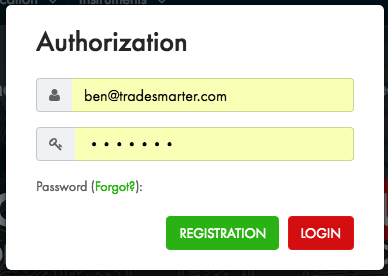
- pop up with Tradesmarter's login widget.
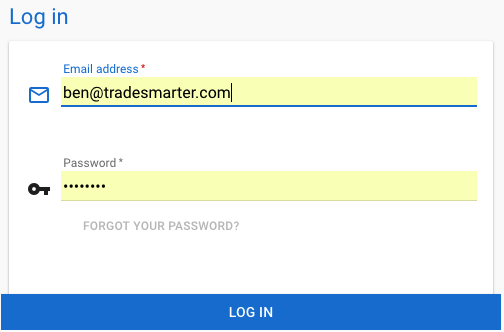
- redirect to dedicated login page with Tradesmarter's login widget or a customized login form.
Read more about login -
- pop up / dropdown with customized login form (user name & password fields, link to "forgot password page") - Recommended
- "Open Account" - The "Open Account" or "Registration" button should
- "Login" - Login button should initiate one of the following:
- Logged In - This mode is for users that already registered and logged in to the system (=created a session in our servers). When user login, we create a cookie in his browser with different information about the user. This info can be retrieved from the cookie and be used for different functions in the content site (for example, you can pull the user ID and submit API requests to our Data Base to get more info about the user)