
Important Reports in Affiliate System
Overview:
There're many reports in Affiliate system, here we list the reports that use requently.
1. Reports--Comission report
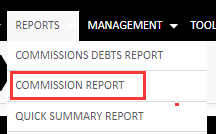
In this report, you can filter the time frame to see all affilaite commission or choose one affiliate to see specific affiliate commission.
After input filter, click on "View"
This report will demonstrate which trader under which affiliate, in "Typte" shows the commission deal type of this affilaite, "Commission" shows how much commission generates from each users based on deal type.

2. Reports--Trader report
This report shows every details of each trader, including belongs to which affiliate, FTD amount, total deposit, trading volume, PNL, commission ect. every thing about each trader.
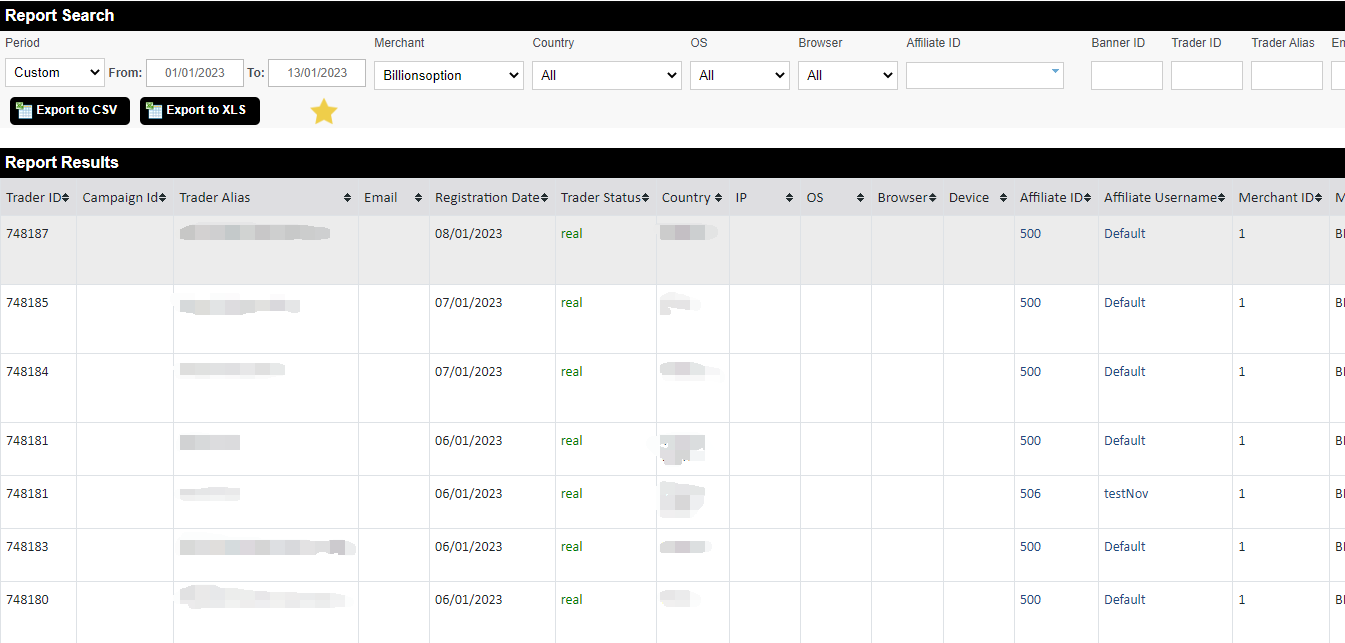
This report also can be filter by any time frame(trader report time frame is based on trader registration time), affiliate ID, trader ID ect.
3. Reports--Sub-affiliate report
This report shows the data of every sub-affiliate under master affiliate, such as FTD, volume, and how much commission master gets from each sub-affiliate.

Note: All above reports can be exported as CSV or XLS for accounting.